FleetPulse

Platform / Route Control

Keep delivery windows protected while route pressure changes.

Monitor corridor health, ETA variance, reroute opportunities, dock pressure, driver hours, and late-load recovery plans.

Route command brief

Current route health and queued interventions.

on-time corridors94.8%
risk lanes2
moves queued4

Designed for teams balancing on-time delivery, route cost, driver hours, hub readiness, and customer communication.

Lane control board

Route control is a live lane manifest, not a map-only view.

Lane

JKT - SBY

Pressure

Delay risk

Variance

+18m

Dock state

Cooling hold

Move

Assign backup truck

High

Lane

BDG - CBN

Pressure

Gate queue

Variance

+9m

Dock state

North gate

Move

Review alternate corridor

Watch

Lane

SMG - YGY

Pressure

Driver hours

Variance

-3m

Dock state

Stable

Move

Keep release plan

Stable

Intervention playbook

The route view should tell teams which recovery move is worth making.

Instead of another generic exception list, the page frames lane pressure as a decision sequence: signal, constraint, owner, and action.

Input

ETA variance

Input

Dock state

Input

Driver hours
01
Route control

ETA variance

+18m on JKT - SBY

Decision

Open recovery playbook

02
Hub lead

Dock pressure

North gate queue

Decision

Shift delivery slot

03
Dispatch

Driver hours

Return leg exposure

Decision

Protect rest window

04
Supervisor

Vehicle availability

Backup truck ready

Decision

Reassign late load

Route decision canvas

Move from pressure detection to recovery without losing route context.

01

ETA pressure

Track which lanes need intervention and which can keep the current dispatch plan.

02

Reroute review

Prioritize route changes using traffic, dock readiness, driver hours, load state, and vehicle availability.

03

Recovery workflow

Keep dispatch, route control, hubs, and customer-facing updates aligned around the same route facts.

Recovery timeline

A route exception should become a documented recovery path.

Every event keeps the operating narrative intact: what changed, what was checked, what action was queued, and what customer-facing update is ready.

13:40

Step 1

Lane pressure detected

JKT - SBY crosses ETA variance threshold.

13:48

Step 2

Dock state checked

Cooling hold confirmed at destination hub.

13:56

Step 3

Recovery move queued

Backup truck assigned to six late loads.

14:10

Step 4

Customer update ready

Route outcome sent to service and reporting.

Team handoff

Route control works when each team owns a different part of recovery.

FleetPulse keeps route pressure, hub readiness, and communication context connected so every team works from the same route facts.

1

Owner

Dispatch

Decision question

Which loads need action now?

Shared output

Lane priority, backup capacity, and assignment change

2

Owner

Hub

Decision question

Can the dock absorb the route change?

Shared output

Gate, dock, and hold-state readiness

3

Owner

Customer ops

Decision question

What should be communicated?

Shared output

ETA explanation and recovery confidence

Final handoff

One recovery story reaches operations review.

Route facts, owner decisions, customer update, and reporting trail stay connected.

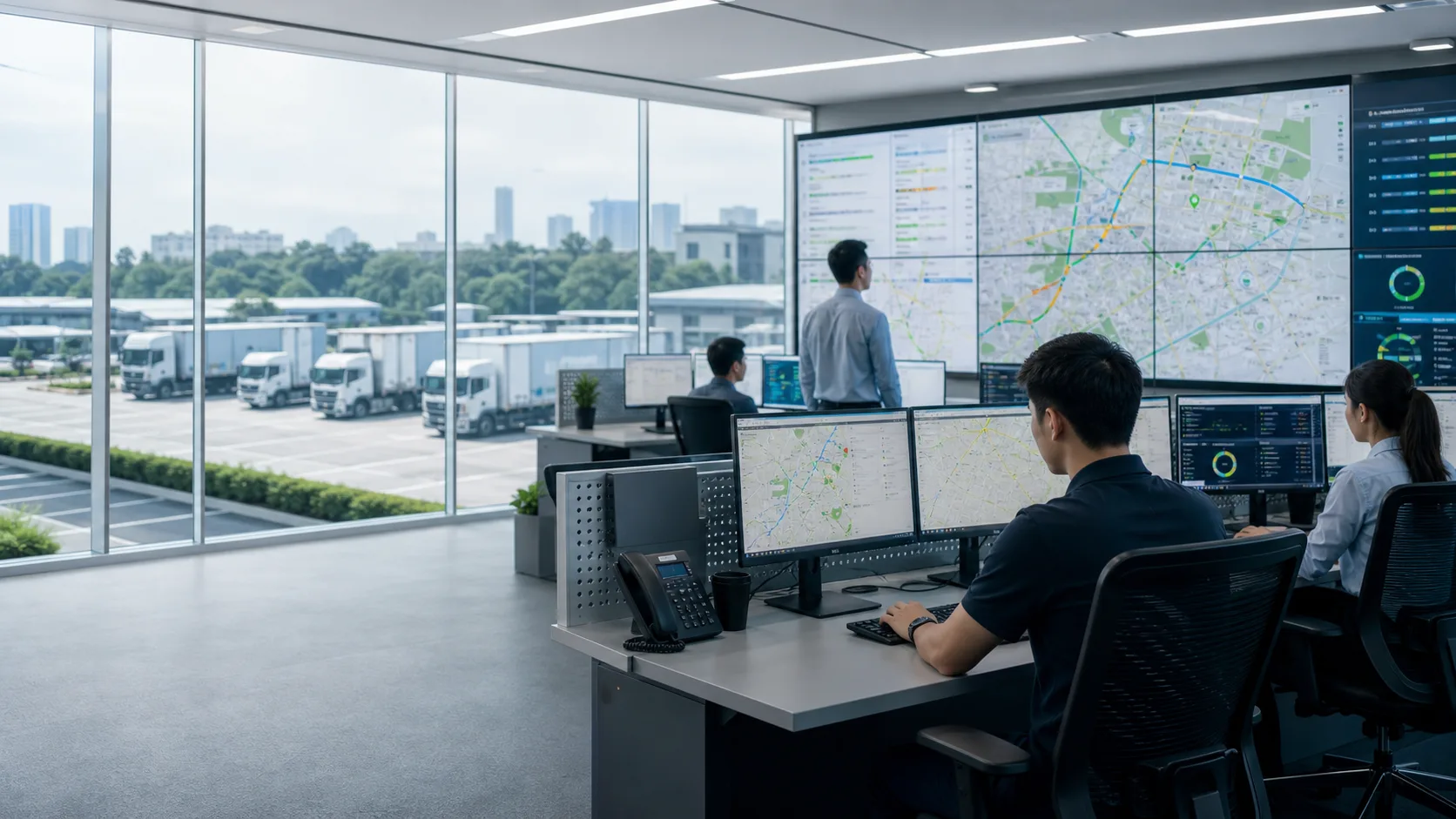
Fleet operations command center with dispatch screens and trucks visible outside.

Command-center evaluation

Map the surfaces for live fleet truth.

Review how monitoring, route control, vehicle health, and fuel analytics should connect before a rollout expands.

Session output

Command surface brief

Live state

Vehicle status, routes, telemetry quality

Pressure routing

Route, service, fuel, and exception owners

Review layer

Outcomes ready for weekly leadership review

4 surfaces

monitoring, route, health, fuel

1 truth

shared operating context

Live review

owner-ready decisions